Search The Knowledge Base
Status Summary Tile in Mentor EDC
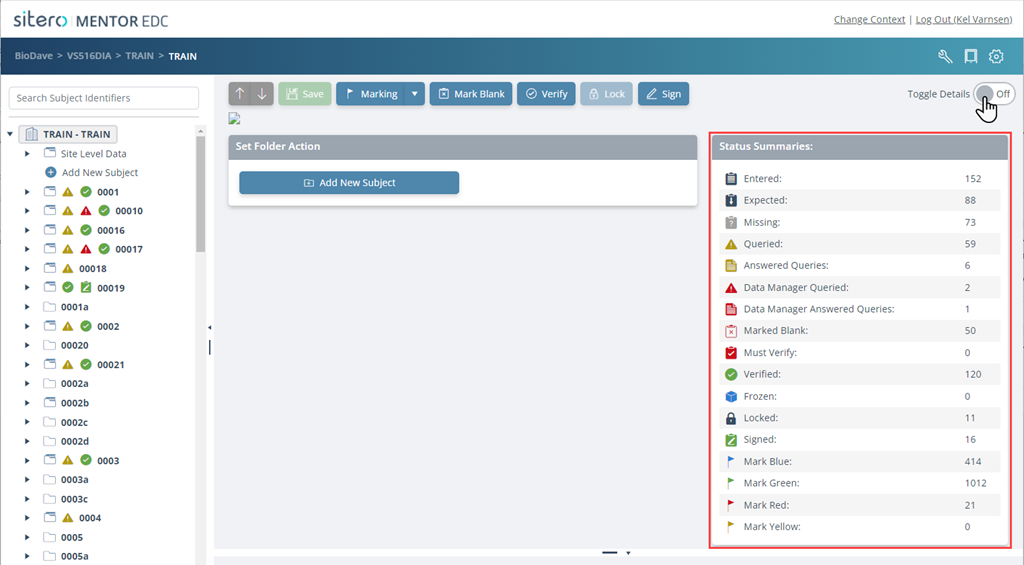
The Status Summaries tile (main screen) displays the number of forms that are in each identified category.
Click the Toggle Details button to On or Off; the setting remains as selected the next time you log in.
Remember: the details on this screen display immediately after login when you have access to a single site. When you have access to more than one site, click to select an option in the study tree to populate the panel.

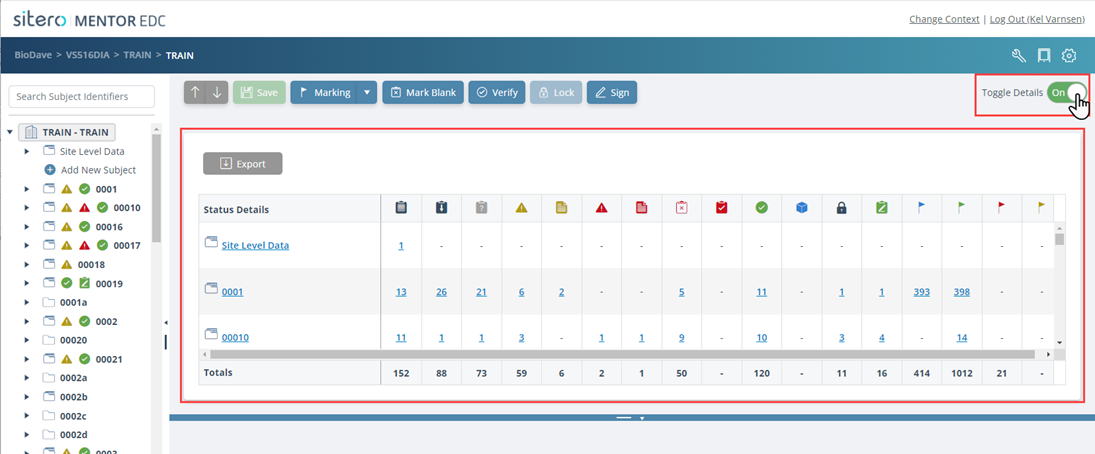
To view the additional details, click the Toggle Details button to On.
The status of all visits/forms displays in grid format.
Click a link in the Status Details grid to open the Data Listings grid.