Search The Knowledge Base
How to Replace a Kit in Mentor RTSM
After the system assigns a Kit to the Subject, there may be circumstances in which you need to replace this kit, including:
- The Kit is damaged
- The Kit cannot be located
- After dispensing the Kit to a Subject, the Kit is lost
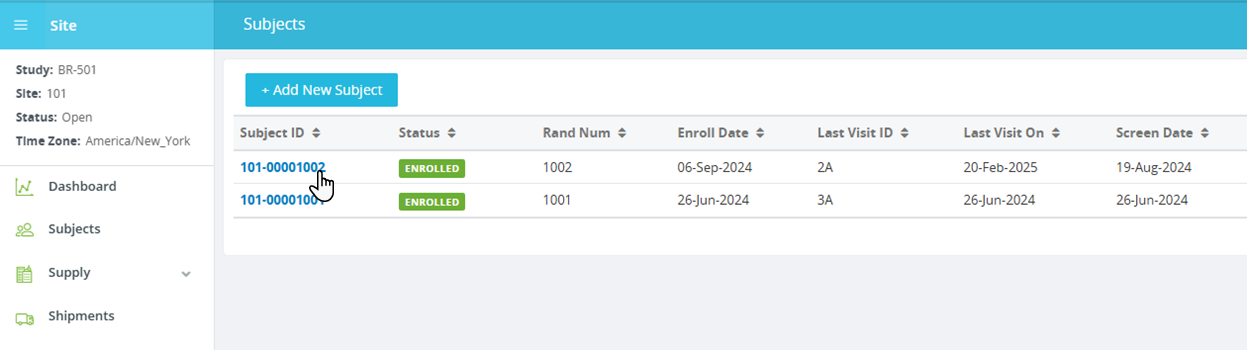
- Open a Site and click the Subjects option from the menu.
- Click a link in the Subject ID column to select the subject and display details onscreen.
- Click the Replace Kit button (top of screen); button name may be customized in your environment, as shown in the figure below.
- Follow the onscreen prompts and select the Kit to be replaced.
- The system assigns a new Kit and sends a confirmation.
- For unblinded users: Click the Kits Dispensed tab to display the kit replacement information (if needed).