Search The Knowledge Base
How to Unblind (Break Blind) a Subject in Mentor RTSM
Follow the steps below to Unblind a Subject record.
- Open a Site and click the Subjects option from the menu.
- Click a link in the Subject ID column to select the subject and display details onscreen.
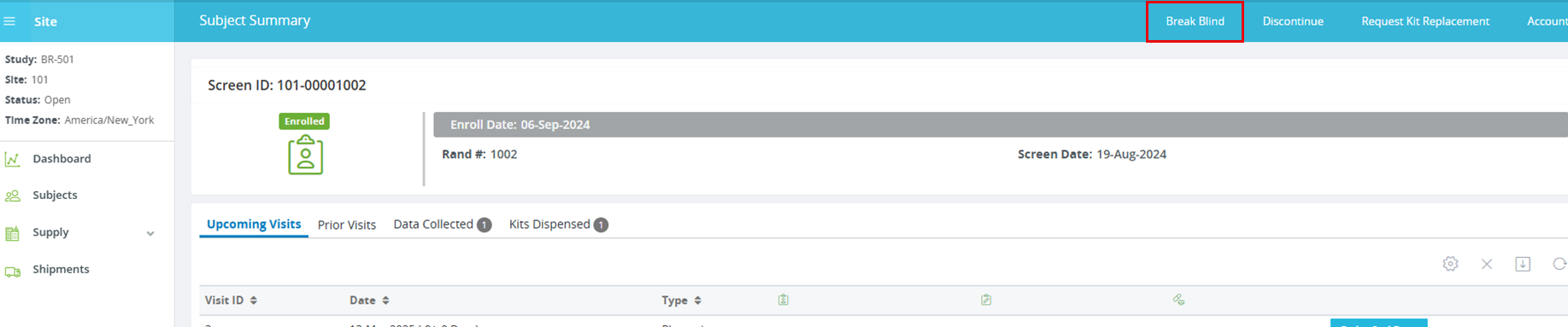
- Click the Break Blind button; the Break Blind Reason dialog box displays.
- Enter details in the Input reason field.
- In most studies, the subject will be discontinued from participation in the trial.
- Based on the configuration for your environment, you may be required to enter your RTSM password to confirm your intent to unblind the subject.
- The subject’s randomized treatment group is then displayed.