Search The Knowledge Base
Extended Fields in Mentor CTMS
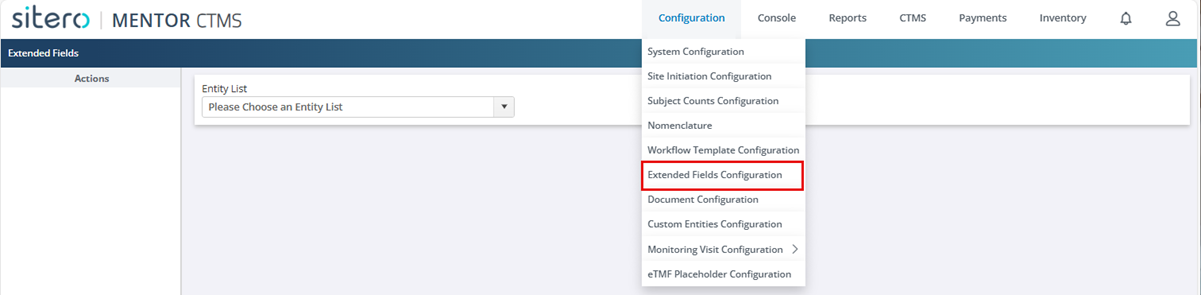
This system supports Extended Fields for specific list screens, enabling permissioned users to Add, Rename, Change, and Delete Extended Field(s) for a group.
- Click in the check box to select a record.
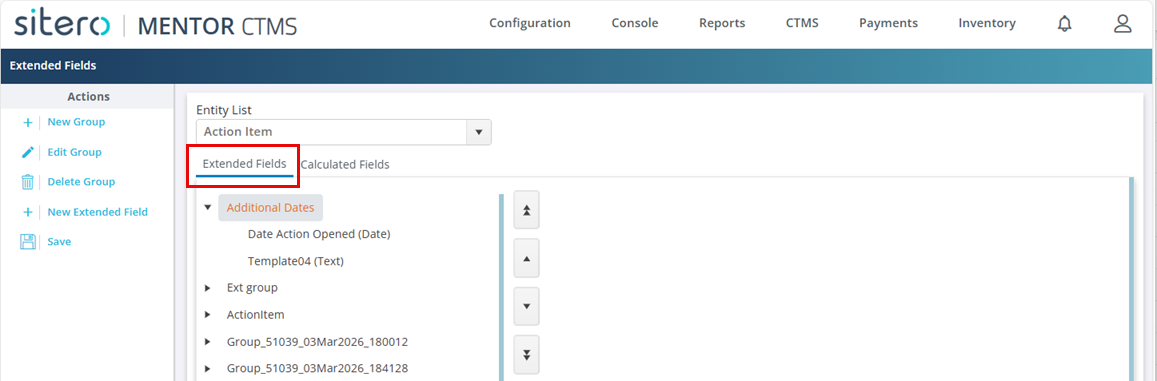
- Click the Extended Fields tab.
- The Extended Fields tab displays details when this option is applied/active for the selection OR displays a “not available” message.
- Use the Save or Cancel button, as applicable.