Search The Knowledge Base
Alerts in Mentor CTMS
Hover over the bell icon to display Alert messages; the numeral indicates the number of Alerts.


Click the bell to display details and a link for alerts.
Click the link to display details onscreen for each Alert.
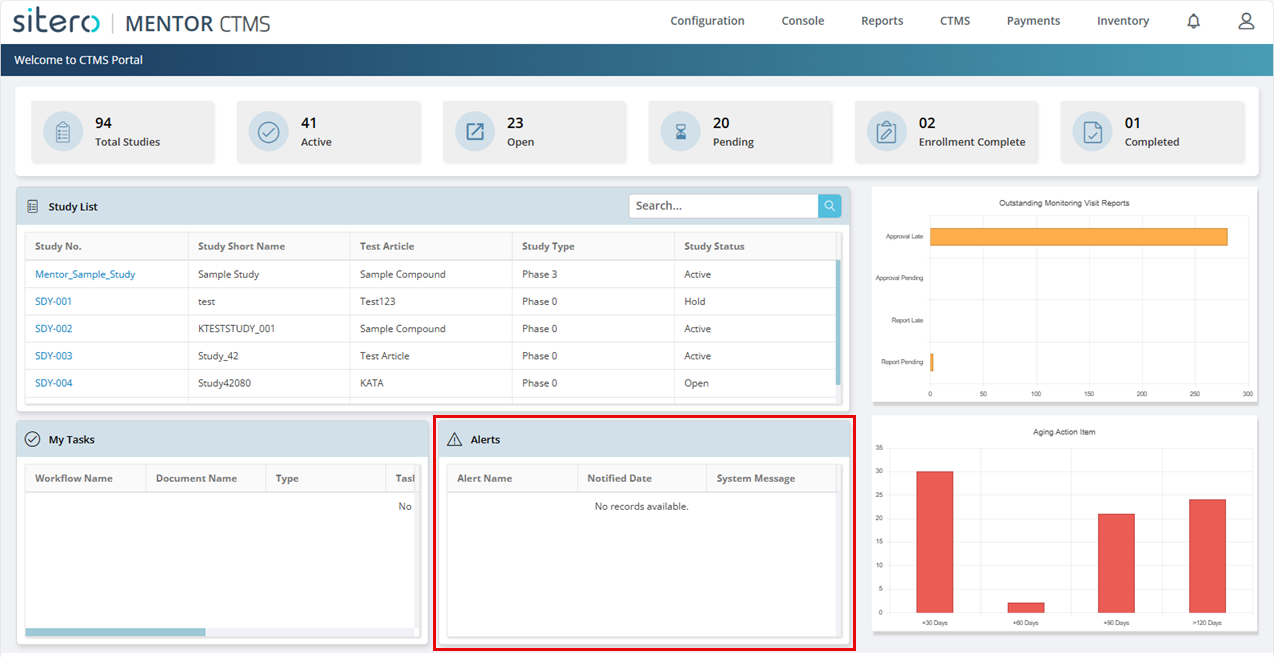
You may also access Alerts from the tile on the Portal screen.
Upon exit from the screen, the message remains in your Alerts, under the bell and in the Alerts tile (CTMS Portal) until you click in the check box to Remove it from your list.