Search The Knowledge Base
Audit Trail Navigation in Mentor CTMS
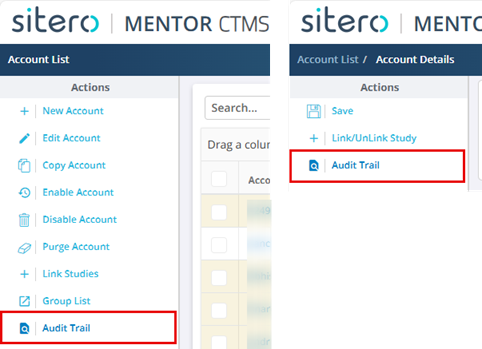
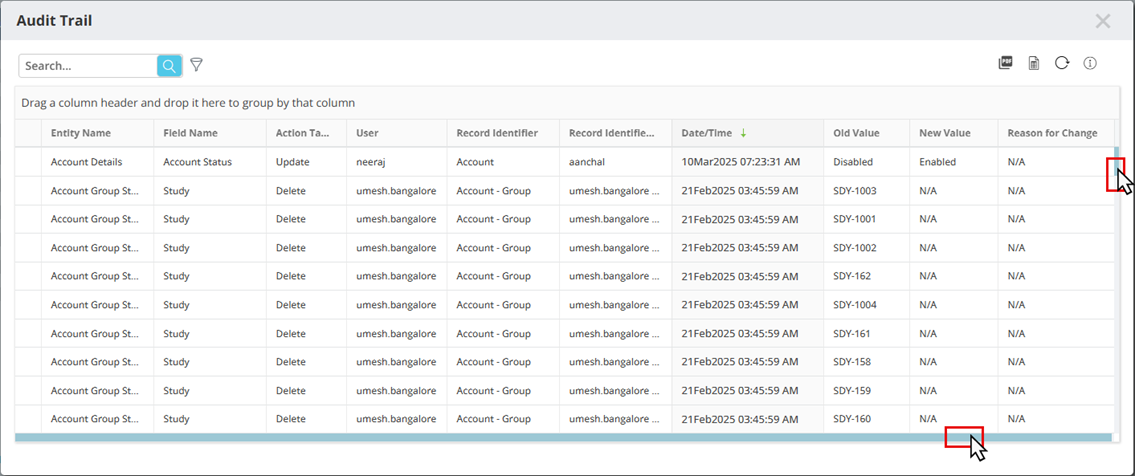
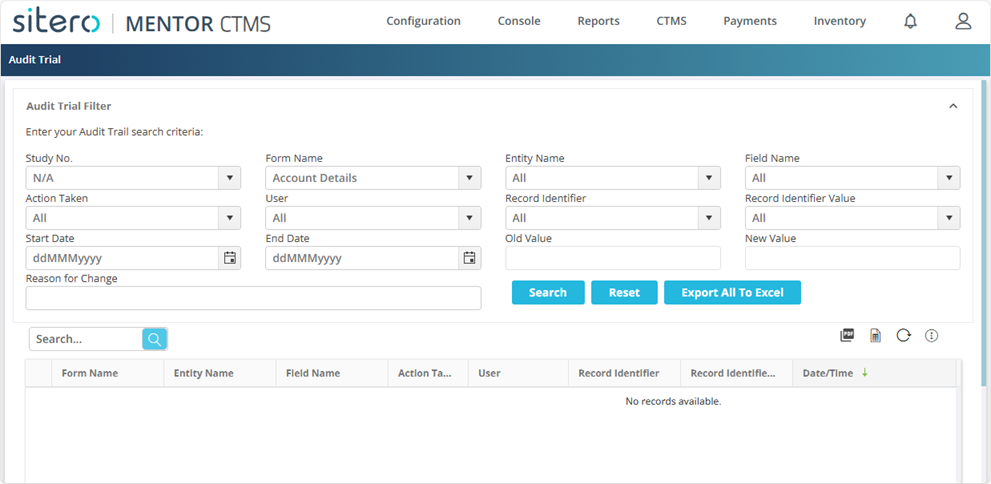
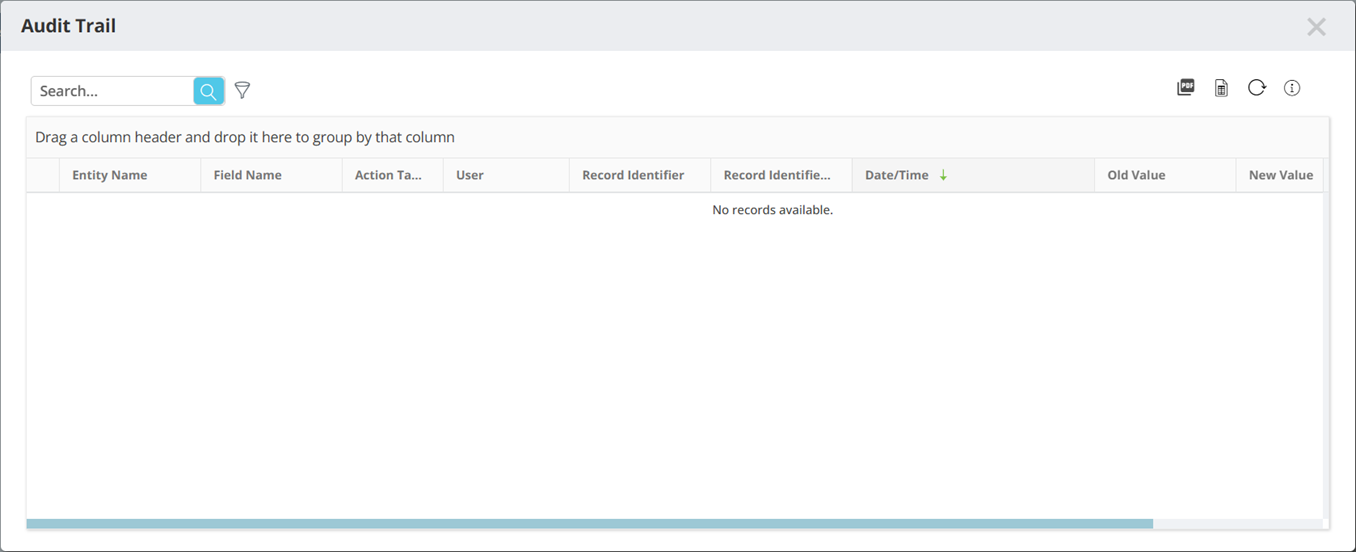
Click the Audit Trail button to display a dialog box with details for the record. Scroll as needed to view additional details or records. Use the buttons and search or filter functionality, located above the Audit Trail grid, as needed. Some screens may display options for Study Audit Trail and/or System Audit Trail.
The Audit Trail feature documents changes that are made in this environment and system (e.g., add, edit, delete, deploy, add/update value).
When an action is the result of a system process, the User field displays “System” in place of a specific User ID.