Search The Knowledge Base
Mentor Payments Overview
- This system is part of the Site and Patient Payments Platform which includes products designed to fully automate the entire financial lifecycle of global clinical trials.
- Using this system, you may significantly reduce workload and operational costs, gain access to clinical trial payment information, and facilitate multi-currency management.
- Refer to Getting Started in Mentor Payments for overview information and links to details for configuring the Payments categories.
- Contact your Project Manager if you would like additional information; contact Support@Sitero.com if you require immediate assistance.
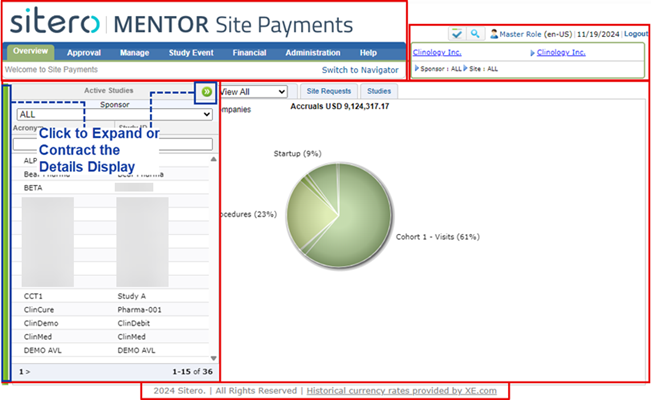
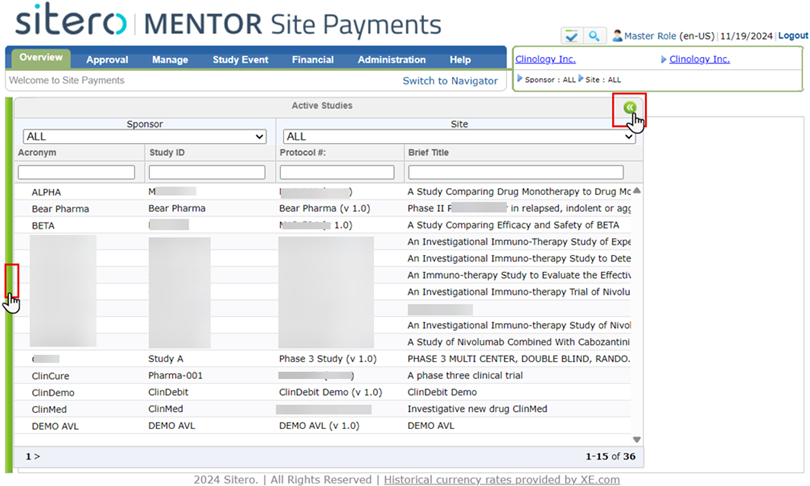
- Mentor Payments provides information and functionality in two distinct view options: Navigator view and Site Payments view.
- The permissions assigned to your account determine the screens you will see when you log into this system.
Navigator View and Site Payments View
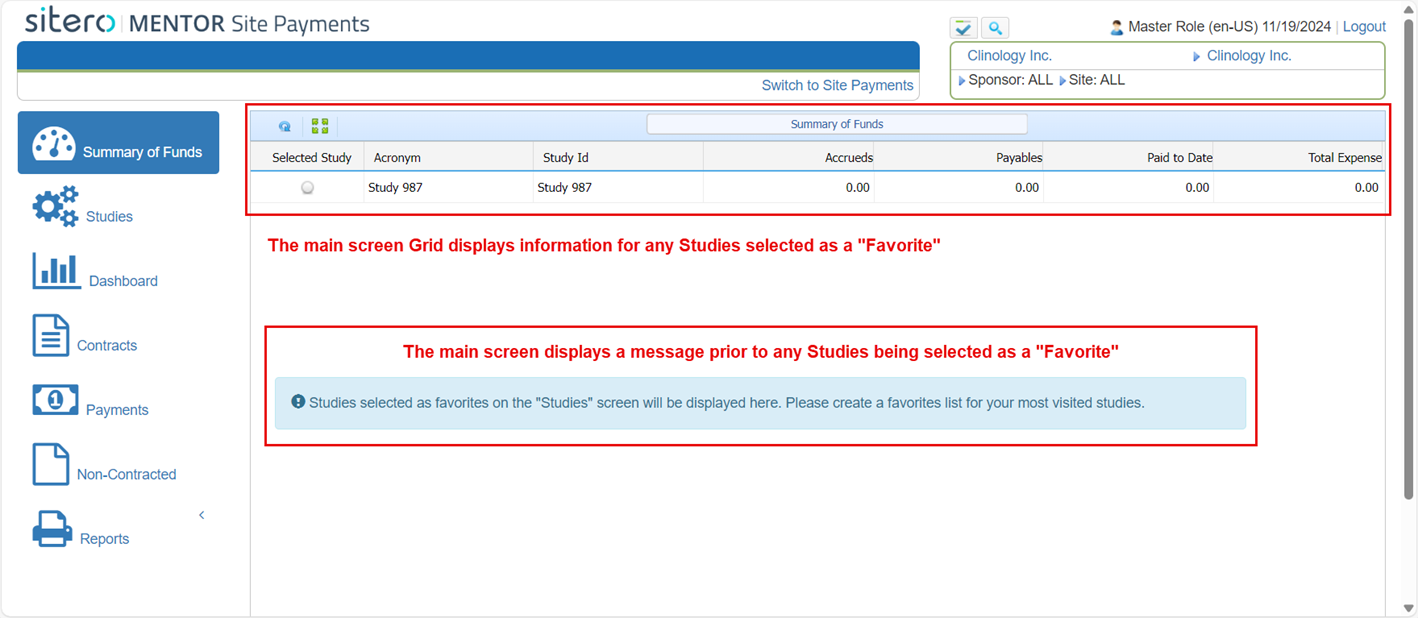
- Use the Navigator view in the system to access high-level detail of key information.
- The Navigator view is a software solution that allows clients at the executive level to access information and generate/view reports including:
- Study Details
- Graphs with Financial Information
- Contract Details
- Payments Completed
- Payment Remittances and Transactions agreed to Off-contract
- Reports on Financial Information and Contract Details
- Use the Site Payments view to manage the aspects of your Environment and perform actions for the Studies and Sponsors to which your credentials provide access.
- Manage your Studies, Study Teams, Sponsors, and Sites
- Manage your Contracts and the Financial Lifecycle of Transactions for your Trial
- Manage your System Security for Users and Roles
For example: